
 Written By :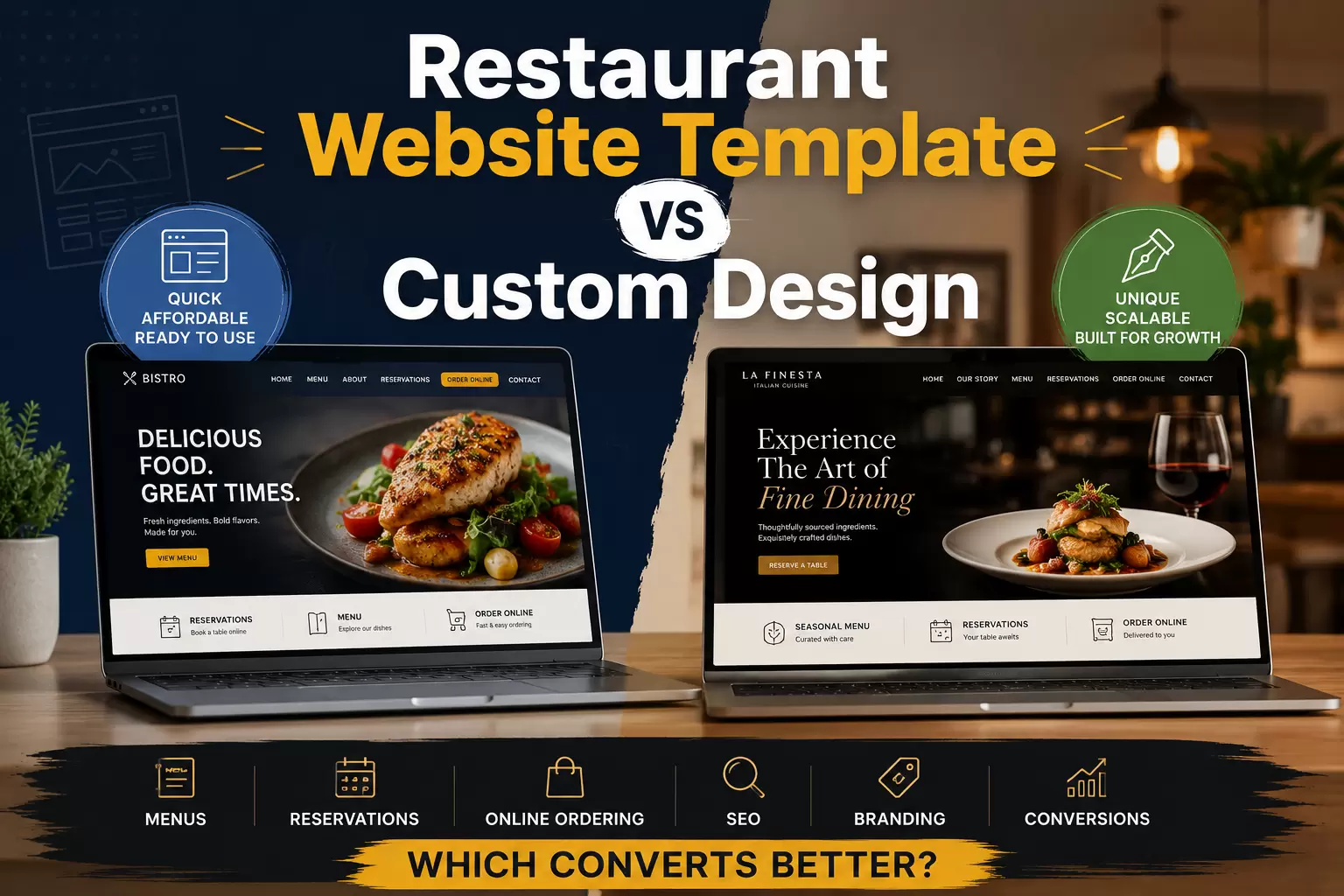
 ChatGPT
 Perplexity
 Claude
 Gemini
A restaurant website template can get your restaurant online quickly without starting every design decision from scratch. Custom design takes more planning and investment, but it gives you much more control over your brand, menu experience, reservations, online ordering, SEO, and conversion path.
So which converts better?
Neither option wins automatically. A well-customized template can outperform a poorly planned custom website. But when a restaurant has specific branding, multiple locations, complex ordering or reservation needs, or ambitious growth goals, custom design usually gives you more room to optimize the experience around how your customers actually make decisions.
This guide breaks down where each approach works, where it falls short, and how to choose based on your restaurant rather than design trends.
TL;DR: Key Takeaways
- Restaurant website templates are usually the better fit when speed, budget, and simplicity are the main priorities.
- Custom restaurant website design gives you more control over customer journeys, branding, integrations, SEO structure, and conversion optimization.
- Don't choose based on appearance alone. Menu usability, mobile experience, speed, ordering, reservations, location information, and clear calls to action matter more.
Restaurant Website Template vs Custom Design: Quick Comparison
| Factor | Restaurant Website Template | Custom Restaurant Website |
|---|---|---|
| Launch speed | Usually faster | Usually takes longer |
| Initial investment | Typically lower | Typically higher |
| Design flexibility | Limited by the template system | High |
| Brand differentiation | Moderate | High |
| Menu customization | Good for standard menus | Better for unique or complex menus |
| Reservations and ordering | Depends on integrations offered | Can be designed around preferred systems |
| Conversion optimization | Possible, but layout constraints may apply | Greater control over the full customer journey |
| SEO structure | Can be strong if configured correctly | Can be planned around SEO from the start |
| Multi-location scalability | Varies by template/platform | Can be designed specifically for expansion |
| Future custom features | May require workarounds | Easier to plan around unique requirements |
The main difference is not simply "cheap versus expensive." It is predefined structure versus business-specific structure.
A template asks your restaurant to work within an existing layout. Custom design starts by asking what your customers need to do, then builds the layout around that journey.
What Is a Restaurant Website Template?
A restaurant website template is a pre-designed website layout created for restaurants, cafés, bars, bakeries, food trucks, or similar hospitality businesses.
Instead of designing every page from a blank canvas, you start with an existing structure and replace demo content with your own logo, brand colors, food photography, restaurant description, menu items, hours, location, reservation links, online-ordering links, and contact information.
Major website builders currently provide restaurant-specific templates and website-building options, making it possible to launch without developing an entire site from scratch.
Why restaurant website templates make sense
Templates can be a practical choice when your website requirements are fairly standard.
For example, imagine a neighborhood café that needs five things from its website: show the menu, display hours, provide directions, link to online ordering, and give people a way to contact the business.
A flexible template may handle that perfectly well. The restaurant does not necessarily need a fully custom interface just to accomplish those goals.
Where Restaurant Website Templates Can Start Holding You Back
Problems usually appear when the restaurant's needs stop fitting neatly into the template.
You may want the reservation button in a specific position, but the template gives you limited control. Your menu might have unusual categories or daily specials that do not fit the predefined menu module. You may operate several locations with different hours, menus, offers, or ordering platforms.
At that point, the team starts changing the business experience to fit the website rather than changing the website to fit the business.
Another issue is sameness. A template can look polished, but if many other businesses use similar layouts, creating a distinctive digital identity becomes harder.
Customization can solve some of this. Eventually, however, heavily modifying a template can become its own development project.
What Is Custom Restaurant Website Design?
Custom restaurant website design means planning the website around the restaurant's specific brand, content, functionality, and customer journey instead of beginning with a predefined restaurant layout.
"Custom" does not necessarily mean every line of code must be built from zero.
A custom restaurant website can still use WordPress, Webflow, another CMS, or an established development framework. The important difference is that the information architecture, page layouts, interactions, conversion paths, and visual system are designed around the restaurant rather than inherited from a generic layout.
JDG's custom web design and development services include website strategy, UI/UX planning, custom page design, responsive development, CMS integration, conversion-focused layouts, on-page SEO foundations, testing, and launch support.
Which Converts Better: A Template or Custom Design?
Custom design has the higher conversion-optimization ceiling, but it does not guarantee a higher conversion rate.
Customers do not convert because a developer calls a site "custom." They convert because the website makes the next step easy.
For a restaurant, that next step might be:
Discover → Check menu → Build confidence → Reserve, order, call, or visit
If a template handles that journey cleanly, it can perform very well.
If it buries the menu, hides the order button, makes mobile navigation frustrating, or forces customers through unnecessary steps, the template may become a conversion obstacle.
Custom design becomes valuable because every stage of that journey can be planned deliberately.
Consider two restaurant homepages
Restaurant A opens with a cinematic full-screen video, several paragraphs about its story, and a large image gallery. The menu and reservation links are halfway down the page.
Restaurant B immediately tells visitors what type of restaurant it is, where it is located, and gives them clear options to view the menu, reserve a table, or order online.
Restaurant A may look more expensive. Restaurant B may be easier to use.
Conversion-focused restaurant design is less about adding more and more about putting the right information in the right place.
What the Best Restaurant Website Templates Get Right
If you prefer the template route, don't choose based only on the homepage preview.
The best restaurant website templates should support the customer actions your business actually needs.
1. A clear menu experience
Your menu is often one of the most important parts of the site.
Customers should be able to scan categories, items, prices, and relevant details without fighting the interface.
A downloadable PDF can still be offered when useful, but it should generally not be the only way customers can access important menu information. A responsive web menu is easier to navigate across different screen sizes and gives the restaurant more control over individual menu content.
A strong restaurant menu website template should also make updating items reasonably simple. Menus change. Prices change. Seasonal dishes disappear. Specials rotate.
2. Visible reservation and ordering actions
Decide what your primary conversion is. It might be reserving a table, ordering pickup, ordering delivery, calling the restaurant, getting directions, or joining a waitlist.
You can have several options, but the most important actions should not compete equally for attention.
For example, a fine-dining restaurant may prioritize "Reserve a Table," while a fast-casual restaurant may place "Order Online" first.
3. Strong mobile usability
Restaurant searches often happen when customers want information quickly. That makes mobile usability especially important.
Check the template on a real phone rather than trusting the desktop demo. Can you easily find the menu? Is the reservation button easy to tap? Does the navigation take over the whole screen? Are food photos pushing essential information too far down the page?
4. Good performance
Restaurant websites naturally use a lot of photography. That can become a speed problem if images, video, animations, and third-party widgets are not managed carefully.
Core Web Vitals measure loading performance, interaction responsiveness, and visual stability. Performance should therefore be reviewed alongside design quality rather than treated as a separate concern.
5. Easy access to location and hours
Do not make customers hunt for basic business information.
For single-location restaurants, address and hours should be easy to reach from important pages.
For multi-location restaurants, each location may need its own page containing relevant hours, address, contact details, menu information, ordering options, and other location-specific content.
6. SEO controls
A template should allow you to control important SEO elements such as page titles, meta descriptions, headings, URLs, image alt text, indexation settings, and relevant structured data.
Restaurant websites may also benefit from appropriate LocalBusiness and Restaurant structured data where it accurately represents the business.
7. Analytics and conversion tracking
A restaurant website should not be a black box.
You may want to track menu views, reservation clicks, online-order clicks, calls, direction requests, contact forms, gift card purchases, and catering inquiries.
Without measurement, it becomes difficult to know whether a redesign actually improved anything. JDG's website marketing guide covers how website design, conversion optimization, analytics, SEO, and marketing performance connect.
Are Free Restaurant Website Templates Good Enough?
Sometimes.
Free restaurant website templates can make sense for a new concept, pop-up, food truck, small café, or restaurant that needs a basic online presence before investing in a larger build.
Just understand what "free" includes.
The template itself may cost nothing while other requirements still involve limitations or expenses, such as custom domains, hosting or platform subscriptions, removing platform branding, premium features, reservation integrations, online ordering, analytics, extra storage, plugins, apps, or advanced SEO controls.
A free template can therefore be an excellent starting point without necessarily being the cheapest long-term solution.
When Custom Restaurant Website Design Is Worth the Investment
Your brand is a major competitive advantage
Some restaurants sell more than food. The interior, atmosphere, service style, chef, story, photography, typography, and personality all contribute to why people choose the restaurant.
A generic layout may struggle to translate that experience online. Custom design allows the digital brand to feel more connected to the physical restaurant.
You have several locations
Multi-location websites may require individual location pages, different hours, location-specific menus, reservations, online-ordering links, local promotions, local SEO content, and location-level tracking.
A website that was perfect for one restaurant may become awkward after the fifth location opens. Custom architecture can account for expansion earlier.
You rely heavily on online ordering
If online orders are important to the business, the journey from landing page to ordering platform deserves more attention.
You may want specific menu-category pages, promotional landing pages, location-aware ordering, loyalty integration, tracking, or deep links into an ordering system.
You run events, catering, private dining, or other revenue streams
Restaurants often have more than one conversion goal. A restaurant could simultaneously need to generate reservations, pickup orders, delivery orders, catering inquiries, private event leads, gift card sales, and loyalty signups.
Custom design can create separate journeys for each valuable audience instead of forcing all customers through the same page structure.
SEO is a serious acquisition channel
A restaurant focused on organic growth may eventually need more than a homepage, menu, and contact page.
The website could expand into location pages, private dining pages, catering pages, menu-category content, event pages, FAQs, local guides, blog content, and other useful resources.
The larger the SEO strategy becomes, the more important scalable site architecture becomes.
Template vs Custom Is Not Always an Either-Or Decision
There is a useful middle ground.
You can start with a strong website platform or design framework and customize the important parts heavily.
That may give you faster development than a completely bespoke build, more flexibility than an untouched template, a recognizable brand experience, custom conversion paths, easier content management, and room for future development.
For many growing restaurants, this hybrid approach is more sensible than choosing either the cheapest template possible or commissioning a complicated custom system immediately.
How to Improve Restaurant Template Conversions Without Rebuilding the Site
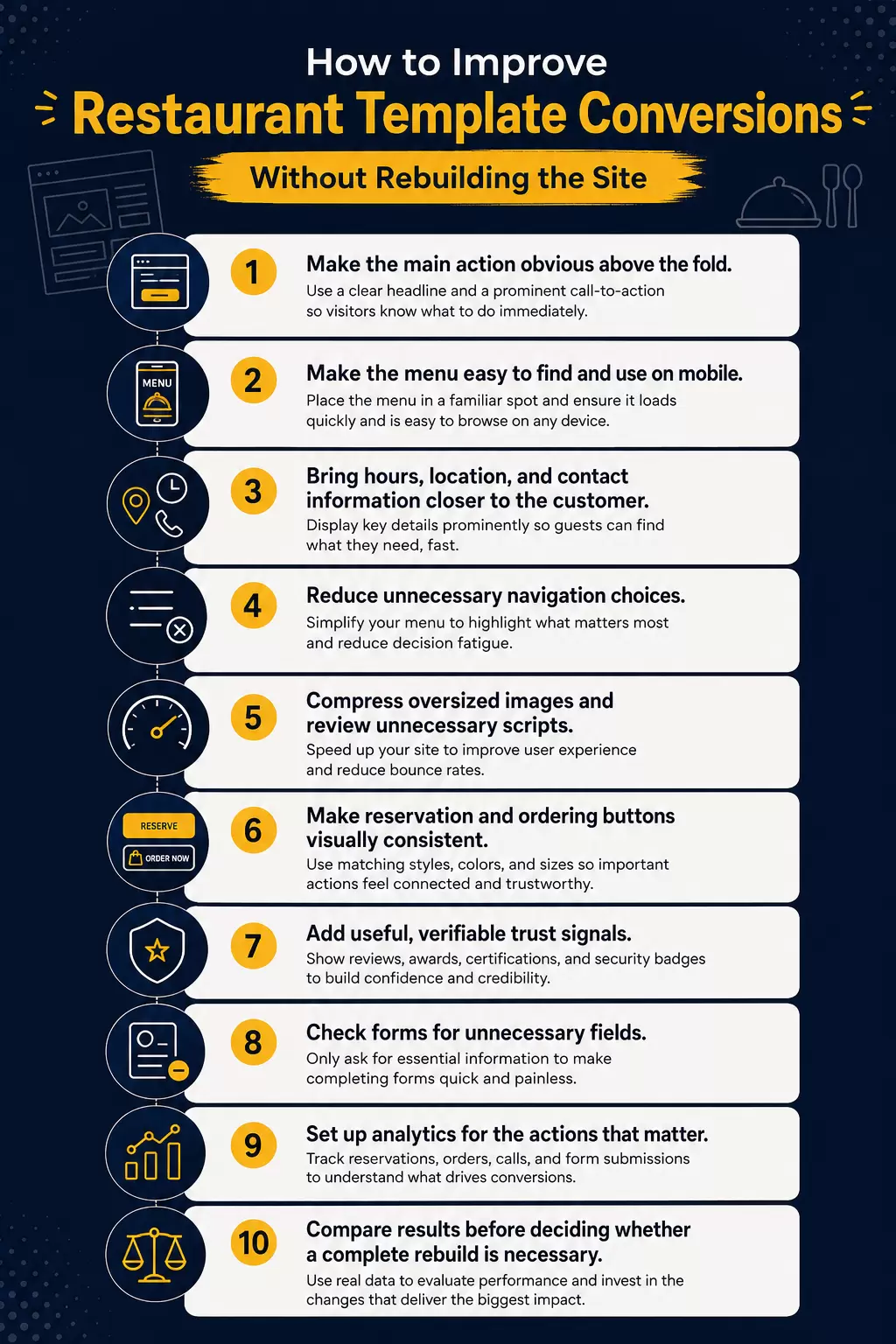
- Make the main action obvious above the fold.
- Make the menu easy to find and use on mobile.
- Bring hours, location, and contact information closer to the customer.
- Reduce unnecessary navigation choices.
- Compress oversized images and review unnecessary scripts.
- Make reservation and ordering buttons visually consistent.
- Add useful, verifiable trust signals.
- Check forms for unnecessary fields.
- Set up analytics for the actions that matter.
- Compare results before deciding whether a complete rebuild is necessary.
A restaurant website does not need more sections simply because competitors have them. It needs fewer obstacles between customer intent and customer action.
How to Choose a Template for a Restaurant Website
When comparing a template for a restaurant website, stop asking, "Which design looks best?"
Ask, "Can this become the website our restaurant actually needs?"
Before committing, test whether the template can comfortably handle your real content. Upload your actual menu. Use your real logo. Add realistic food images. Try your reservation and online-ordering flow. Check it on multiple screen sizes. Consider what happens if you add another location. Think about who will update menus and promotions after launch.
A template that looks slightly less impressive in the demo but works smoothly with your restaurant's real information may be the better choice.
Restaurant Website Templates vs Custom Design: The Final Verdict
Choose a restaurant website template when your requirements are straightforward, your budget is limited, and getting a professional site live quickly matters more than having a highly customized experience.
Choose custom restaurant website design when your website needs to support stronger brand differentiation, more complicated customer journeys, multiple locations, unique integrations, advanced SEO, or ongoing conversion optimization.
Most importantly, do not assume "custom" automatically means better.
The better website is the one that makes it easy for customers to answer four questions:
What is this restaurant?
Do I want to eat here?
Where, when, and how can I get the food?
What should I do next?
If your current template answers all four clearly, you may not need to rebuild it.
If the template keeps getting in the way, custom design becomes much easier to justify.
If you're evaluating a redesign, explore JDG's web design and development services, use the website cost calculator to understand the factors affecting project scope, review the website portfolio, or contact the team about your project.
Frequently Asked Questions
Is a restaurant website template good enough for a small restaurant?
Yes. A good restaurant website template can work well for a small restaurant with straightforward needs such as displaying a menu, hours, location, reservations, and online-ordering links. The template still needs to be customized around the restaurant's branding and tested carefully on mobile.
What should the best restaurant website templates include?
Look for responsive design, clear menu layouts, visible reservation or ordering buttons, location and hour sections, editable SEO settings, good performance, analytics support, and compatibility with the tools your restaurant already uses.
Can free restaurant website templates rank on Google?
Being free does not prevent a website from ranking. Search performance depends on many other factors, including useful content, crawlability, page structure, local relevance, authority, technical health, and overall page experience.
Does custom restaurant website design automatically increase conversions?
No. Custom design gives you more control over the user journey, but conversion performance still depends on execution. A simple, fast, well-organized template can outperform a confusing custom website.
What should a restaurant menu website template include?
It should make menu categories, items, prices, and relevant details easy to scan on mobile and desktop. It should also be easy for the restaurant team to update when dishes, pricing, availability, or seasonal offerings change.
Should a restaurant use a PDF menu or webpage menu?
A PDF can be offered as an additional option, but it is usually better not to make it the only menu experience. A responsive webpage gives you more flexibility over mobile presentation, navigation, individual content, internal linking, and ongoing updates.
How much does a custom restaurant website cost?
There is no useful single price for every restaurant website. Scope depends on page count, design complexity, online ordering, reservations, multiple locations, content, SEO requirements, CMS needs, integrations, and other functionality. Use the JDG website cost calculator to explore the factors that may affect your project.

Your comment will appear after approval.