
 Written By :
 ChatGPT
 Perplexity
 Claude
 Gemini
The right plumbing software can take a job from the first customer call to the final payment without losing important details. It can help you prepare estimates, schedule technicians, dispatch emergency calls, record field notes, send invoices, and track business performance.
However, the best choice depends on your crew size and the work you perform. A two-truck residential company does not need the same system as a commercial contractor managing long projects, service agreements, inventory, and dozens of field employees.
TL;DR: Which tools should you shortlist?
- ServiceTitan is our best overall choice for established plumbing companies that need advanced dispatching, reporting, pricebooks, and business management.
- Housecall Pro and Jobber are easier starting points for solo plumbers and small residential teams.
- BuildOps and Simpro suit complex commercial operations, while FastPIPE is best for detailed plumbing estimates and pipe takeoffs.
What is the best plumbing software in 2026?
ServiceTitan is the best plumbing software overall for established residential and commercial service companies. It connects call booking, scheduling, dispatching, estimating, invoicing, pricebooks, payroll, reporting, and memberships.
That does not make it the right choice for every contractor. Housecall Pro offers a simpler setup and a public starting price. Jobber works well for solo operators and small crews. Commercial contractors should compare BuildOps and Simpro, while estimators working with detailed pipe and fitting takeoffs should consider FastPIPE.
| Tool | Best for | Core strengths | Pricing |
|---|---|---|---|
| ServiceTitan | Established service companies | Dispatch, reporting, pricebooks and memberships | Custom, per technician |
| Housecall Pro | Small residential teams | Booking, scheduling, estimates and payments | From $59 per month |
| Jobber | Solo plumbers and small crews | Simple quoting, scheduling and invoicing | From $29 per month annually |
| FieldEdge | QuickBooks-focused businesses | Dispatch, service history and accounting sync | Custom |
| Workiz | Phone-heavy service operations | Calls, automation, scheduling and payments | Custom; seven-day trial |
| FieldPulse | Businesses needing flexible workflows | Dispatch, job costing, portals and pricebooks | Custom, seat-based |
| Service Fusion | Growing teams needing many users | Scheduling, invoicing and QuickBooks integration | From $245 per month |
| BuildOps | Commercial plumbing contractors | Service, projects and ERP integrations | Custom |
| Simpro | Mixed service and project work | Scheduling, takeoffs and asset maintenance | Custom, plus setup |
| FastPIPE | Commercial and industrial estimating | Pipe takeoff, labor units and material catalogs | Contact vendor |
Prices were checked on official vendor pages on August 4, 2026. Payment fees, onboarding, integrations, add-ons and contract terms may increase the total cost.
How did we choose these plumbing software tools?
We reviewed each platform based on the work a plumbing contractor handles from the first call through payment. The main criteria included:
- Plumbing-specific features
- Estimating and proposal tools
- Scheduling and real-time dispatching
- Mobile access for technicians
- Invoicing and accounting integrations
- Job costing, inventory and reporting
- Pricing transparency
- Likely training and setup requirements
Vendor size does not prove that a platform will fit your company, but it can indicate product maturity. Housecall Pro says more than 200,000 service professionals use its platform. BuildOps reports more than 1,000 commercial contractor customers, while Simpro says it supports over 9,000 field service businesses. FastPIPE says its estimating catalog contains more than 150,000 items. These are vendor-reported figures, not independent performance guarantees.
Which plumbing software tools should contractors consider?
1. ServiceTitan: Best overall for established plumbing companies
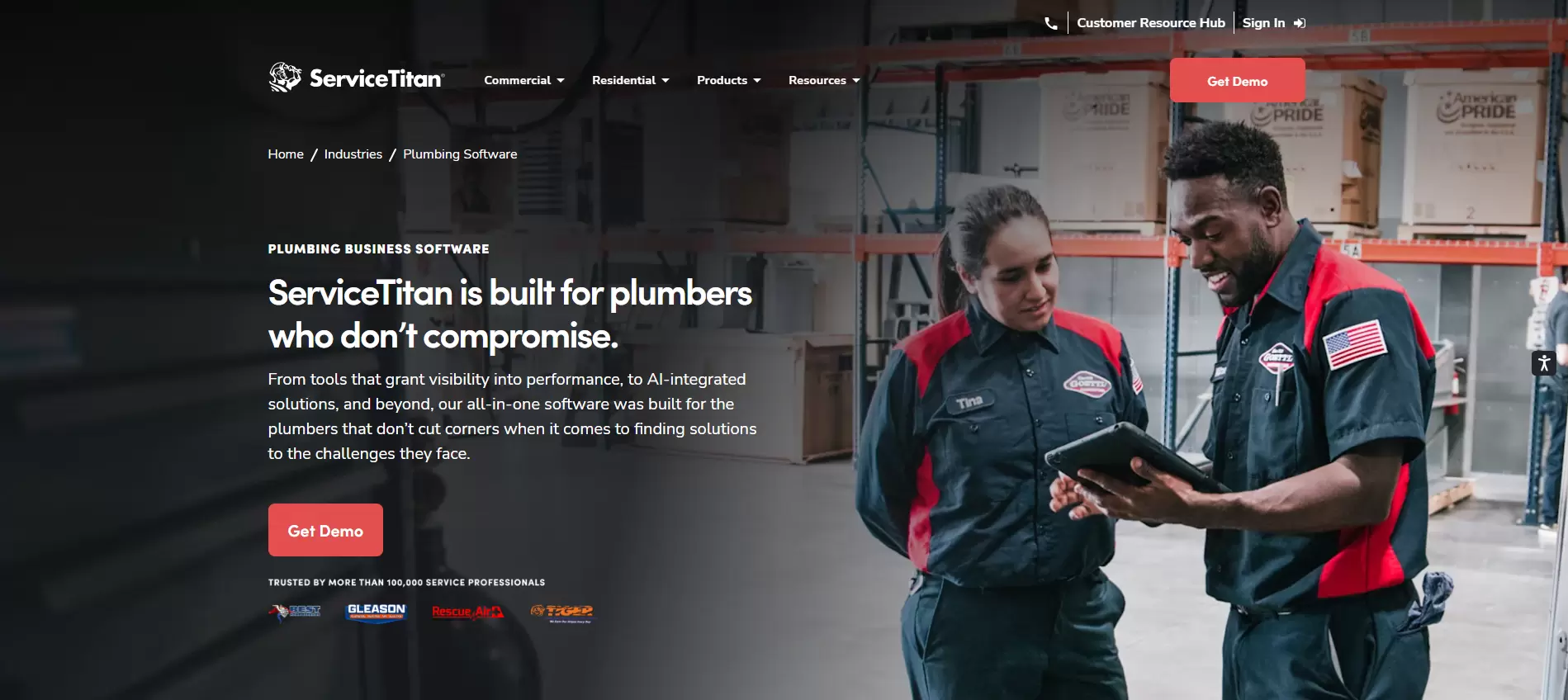
ServiceTitan is built for home and commercial service businesses that need a complete operating system. Its Starter package includes dispatching, scheduling, call booking, invoicing, a pricebook, mobile estimates, payroll management, reporting, commission tracking, and customizable memberships.
It is a strong plumbing management software option for companies with dedicated office staff, several technicians, or multiple locations.
Best for: Established residential and mixed-service plumbing businesses
Pricing: Custom and priced per technician
Keep in mind: A solo plumber may not use enough of the platform to justify its size and complexity.
2. Housecall Pro: Best for small residential plumbing teams
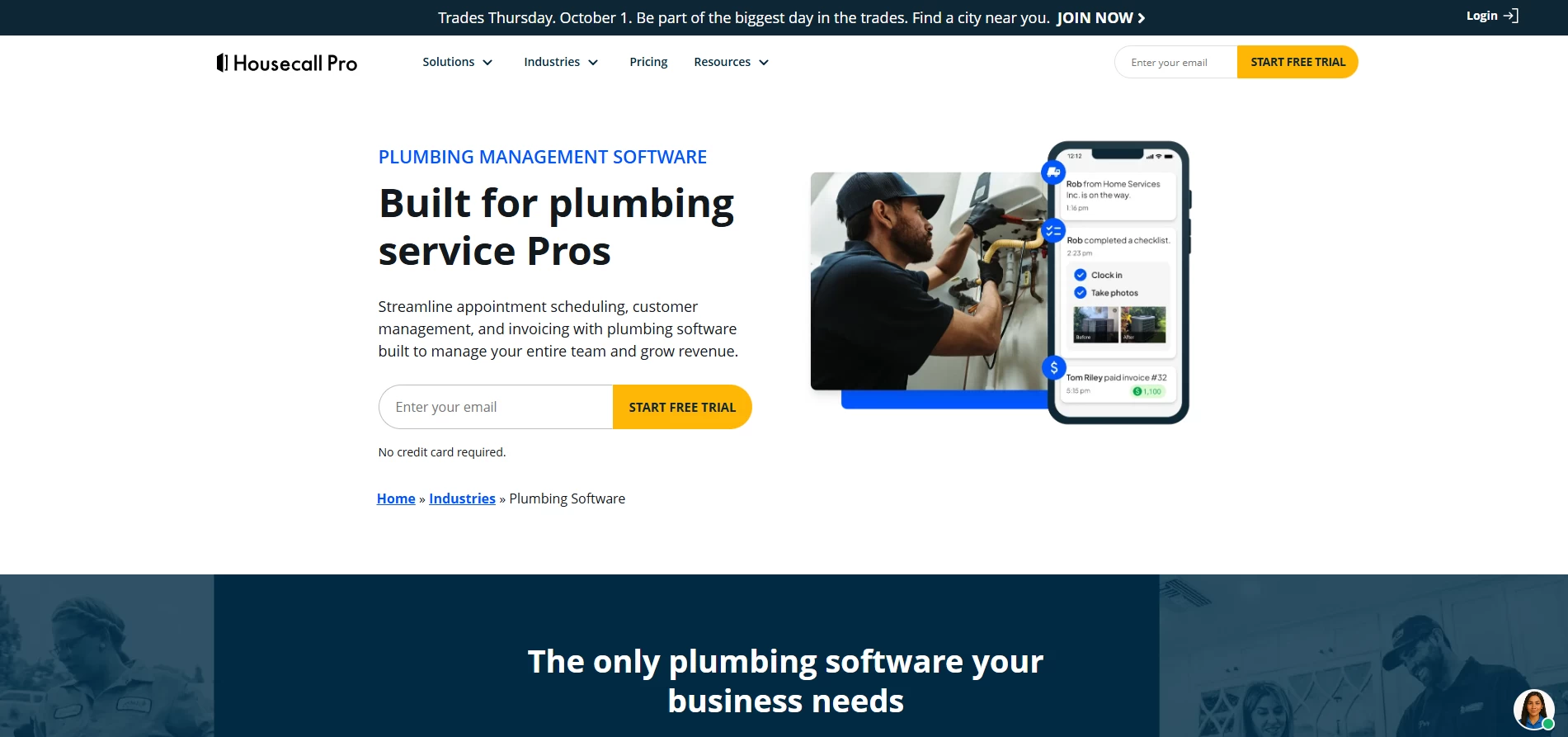
Housecall Pro offers a clear path from online booking to customer payment. Its core tools include scheduling and dispatching, estimates, invoices, payments, a pricebook, job costing, and review management.
Higher plans add routes, flat-rate pricing, photo reports, employee GPS tracking, QuickBooks Online sync, service plans, route optimization, and API access.
Plans start at $59 per month. Housecall Pro also offers a 14-day trial without requiring a credit card, making it easy to test on actual plumbing jobs.
Best for: Solo operators and growing residential teams
Keep in mind: Extra users and optional features can increase the final monthly cost.
3. Jobber: Best for ease of use and fast invoicing
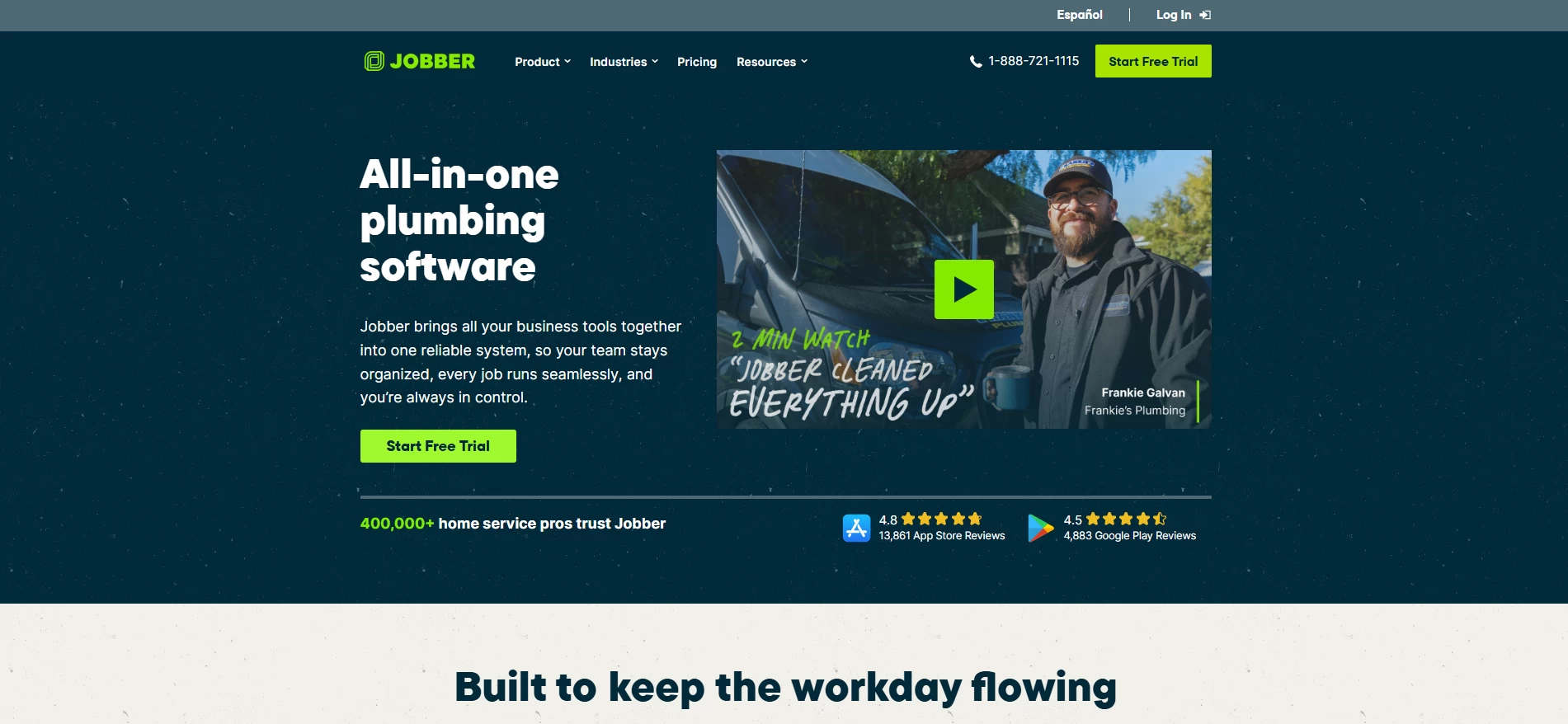
Jobber keeps the basic process simple: book the work, send a quote, schedule the visit, invoice the customer, and collect payment.
Its Core plan starts at $29 per month when billed annually for one user. It includes online booking, professional quotes, invoicing, online payments, reporting, and access to more than 100 integrations.
Higher plans introduce automated reminders, QuickBooks Online sync, expense tracking, job costing, two-way text messaging, optional quote items, and custom workflow automation.
Best for: Solo plumbers and small teams moving away from paper
Keep in mind: Costs rise when you add employees and advanced features.
4. FieldEdge: Best for businesses centered on QuickBooks
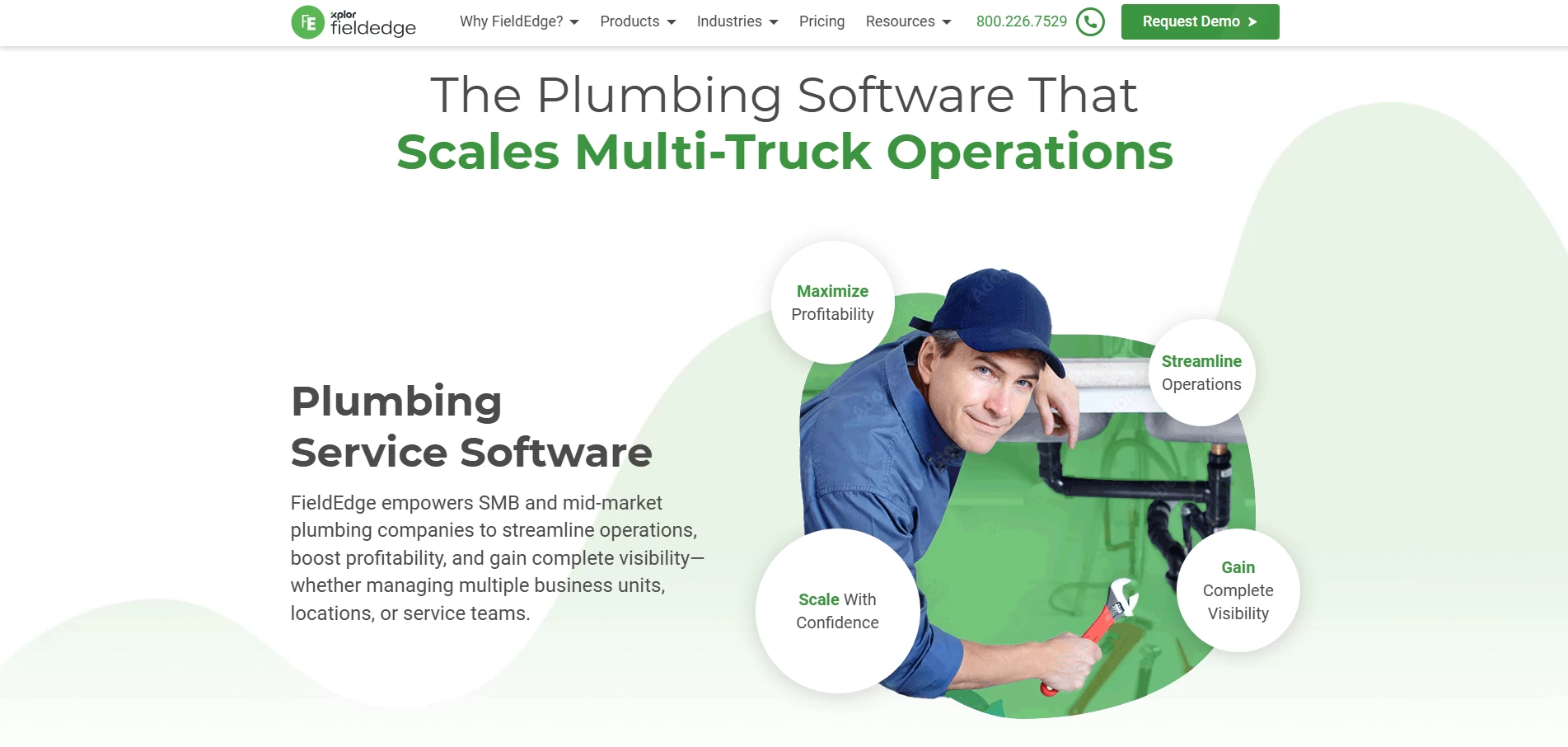
FieldEdge combines customer management, plumbing dispatch software, mobile field tools, invoicing, payments, and accounting integrations.
Dispatchers can assign work based on a technician’s skills, while field employees can access customer history, job details, and pricing from a mobile device. Technicians can also prepare invoices and collect payment at the job site.
Its strongest feature is its real-time QuickBooks connection, which reduces repeated entry of customers, jobs, vendors, and purchase orders. FieldEdge offers three customizable plans but does not publish standard prices.
Best for: Growing plumbing companies already using QuickBooks
Keep in mind: You must request a quote to compare plans and add-ons.
5. Workiz: Best for call handling and workflow automation
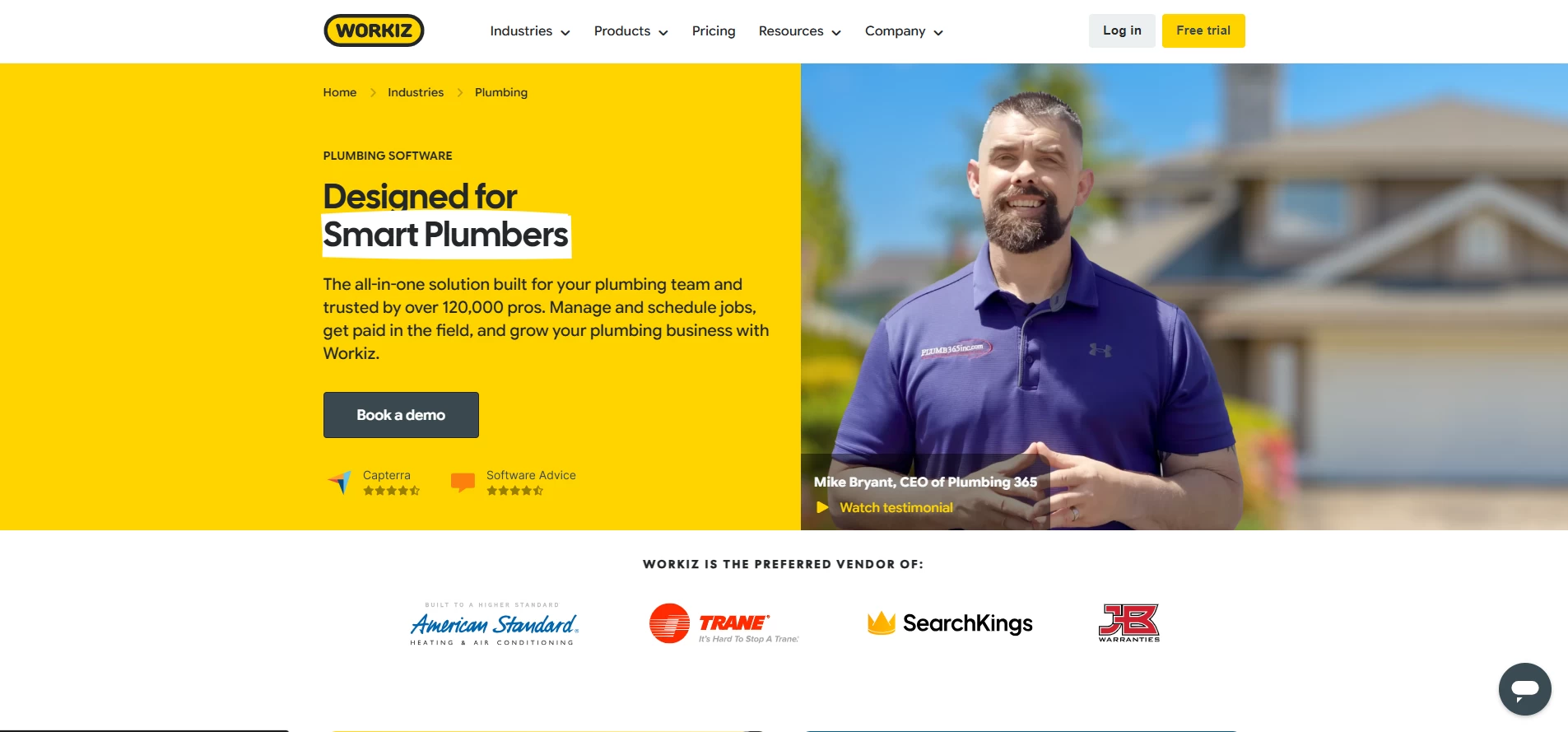
Workiz is a good option when phone calls drive most of your service work. All plans include scheduling, estimates, invoices, online payments, client management, automation, and a local business number.
The Pro plan adds performance pay, lead management, additional automation, and assisted scheduling. Ultimate adds service plans, inventory, flat-rate pricing, checklists, multi-day jobs, purchase orders, and multi-location features.
Workiz also offers call tracking, recording, masking, and messaging through its communication system. A seven-day free trial is available.
Best for: Busy service companies handling high call volume
Keep in mind: Phone, communication, AI, and extra-user charges should be confirmed before purchase.
6. FieldPulse: Best for flexible and customizable operations
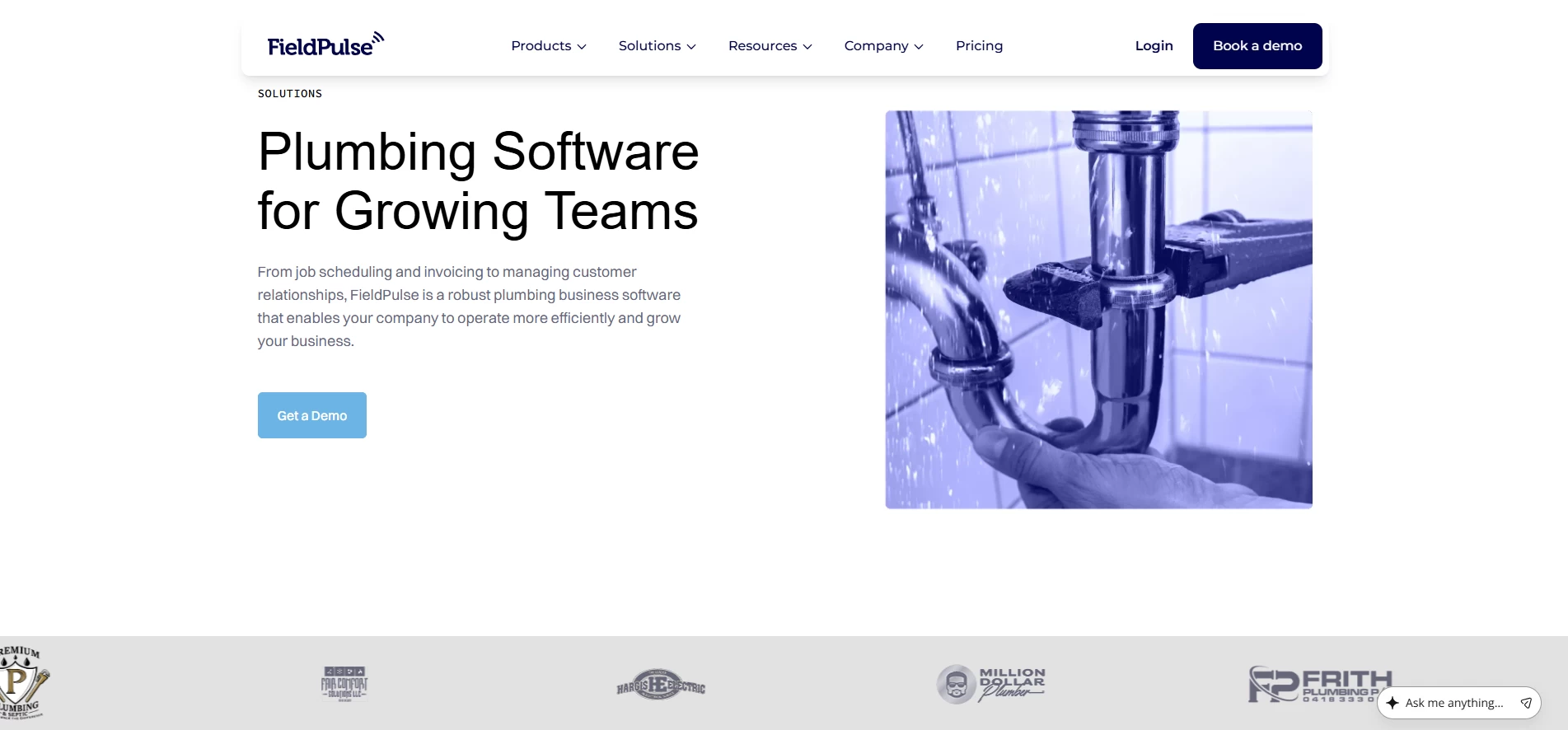
FieldPulse covers scheduling, dispatching, estimates, invoices, pricebooks, job costing, inventory, maintenance agreements, customer portals, custom workflows, fleet tracking, and equipment management.
This broad feature set makes it useful for companies whose processes do not fit a rigid template.
Pricing is customized by seat. Full-access seats include the complete office platform, while field-only seats give technicians access to assigned jobs, notes, files, and time tracking without full back-office permissions.
Best for: Growing companies needing flexible office and field access
Keep in mind: Request the total cost of seats, add-ons, onboarding, and integrations.
7. Service Fusion: Best flat-rate option for unlimited users
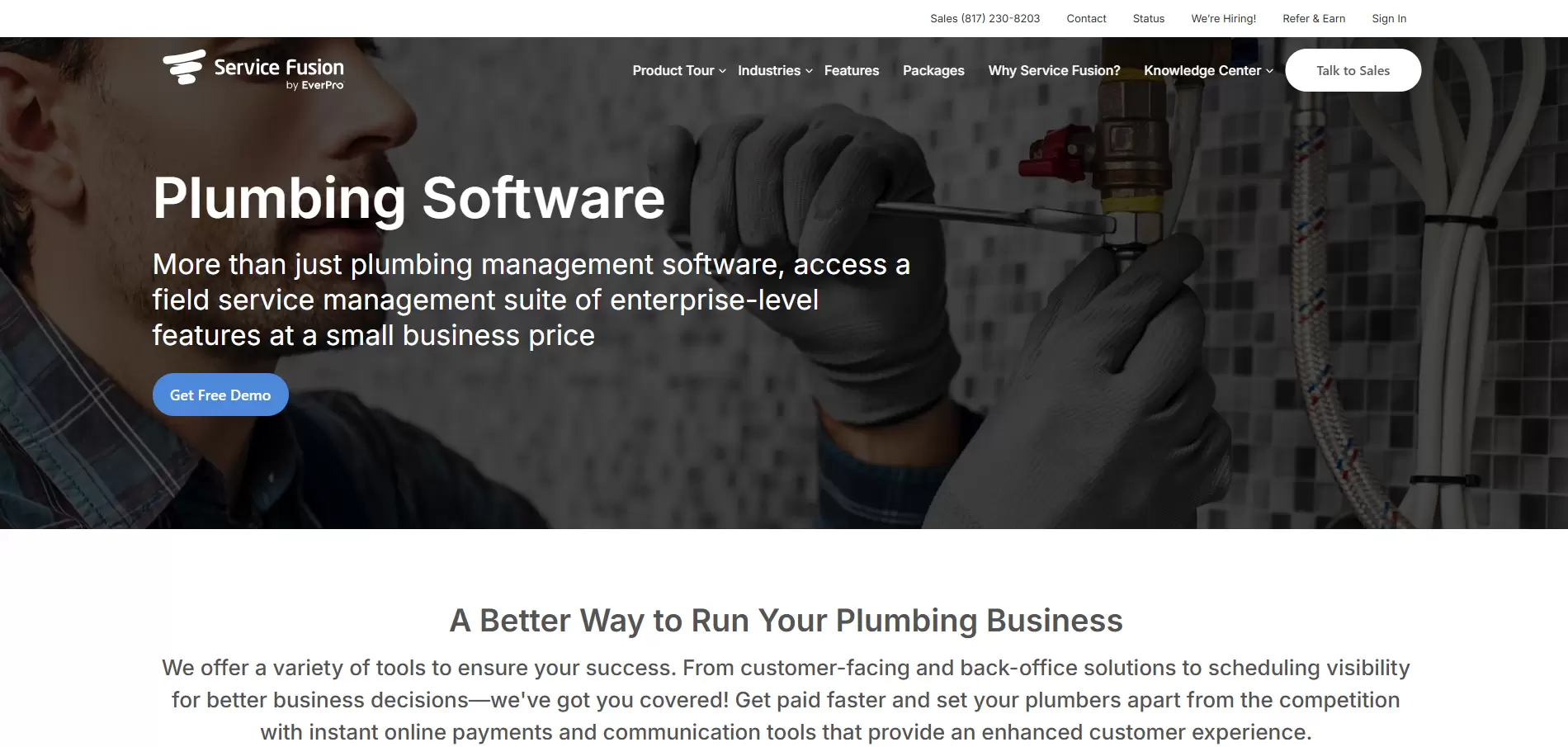
Service Fusion stands out because its primary plans include unlimited users.
The monthly Starter plan costs $245, or $208 per month when billed annually. It includes customer management, estimates, scheduling, dispatching, payments, QuickBooks integration, invoicing, project management, reporting, and text alerts.
Plus adds job photos, inventory management, job costing, and communication tools. Pro adds an open API, custom documents, electronic signatures, a customer portal, and progress billing.
Best for: Growing teams that would pay heavily under per-user pricing
Keep in mind: The entry price may be high for a one-person business.
8. BuildOps: Best for commercial plumbing contractors
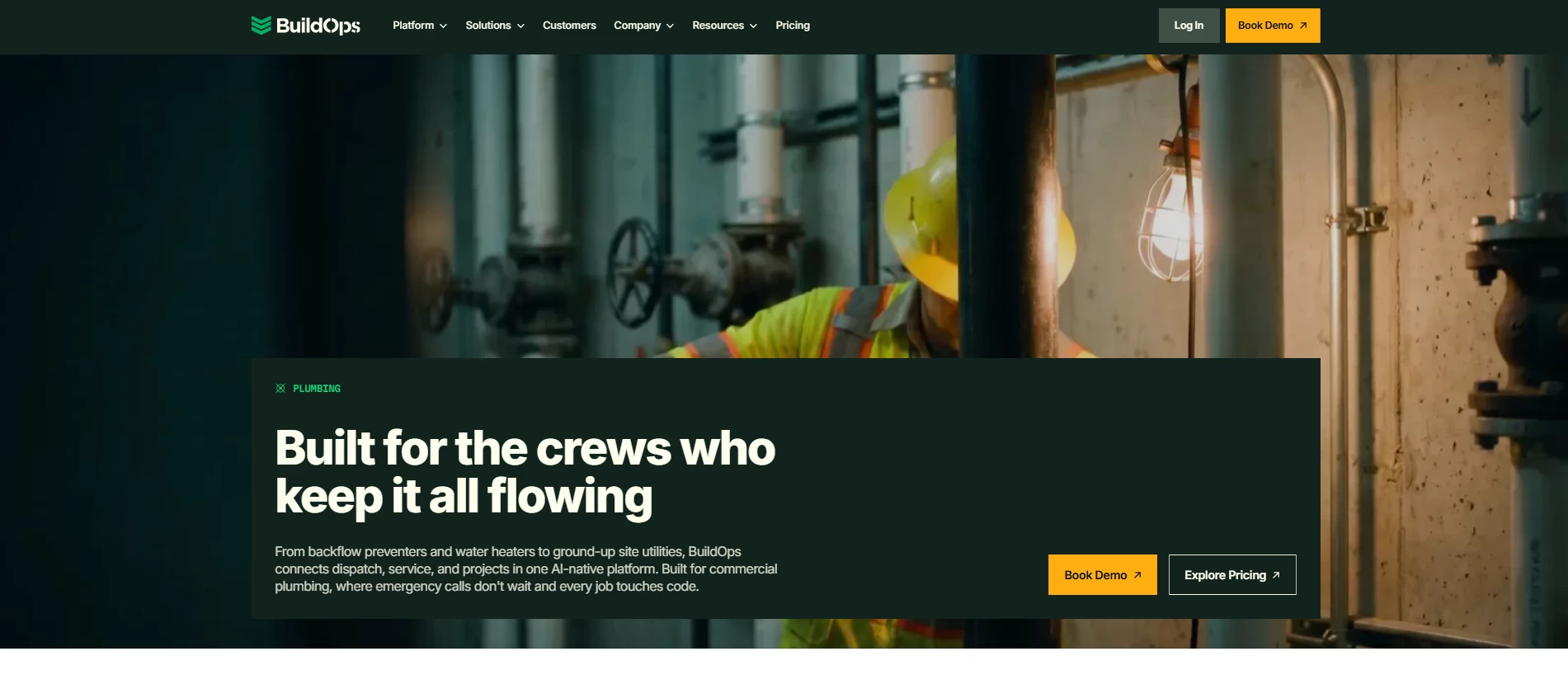
BuildOps is designed around commercial service and project work rather than simple residential appointments. It connects dispatching, quoting, invoicing, reporting, service agreements, project work, and field activity.
It also integrates with accounting and ERP systems used by commercial contractors, including Sage, Viewpoint, and QuickBooks.
BuildOps says many plumbing businesses take about eight to 12 weeks to implement the platform because existing data, workflows, integrations, and training must be configured. Pricing depends on crew size, modules, trades, and integrations.
Best for: Commercial plumbing service and project teams
Keep in mind: Small residential companies may find the setup too involved.
9. Simpro: Best for service, maintenance, and project work
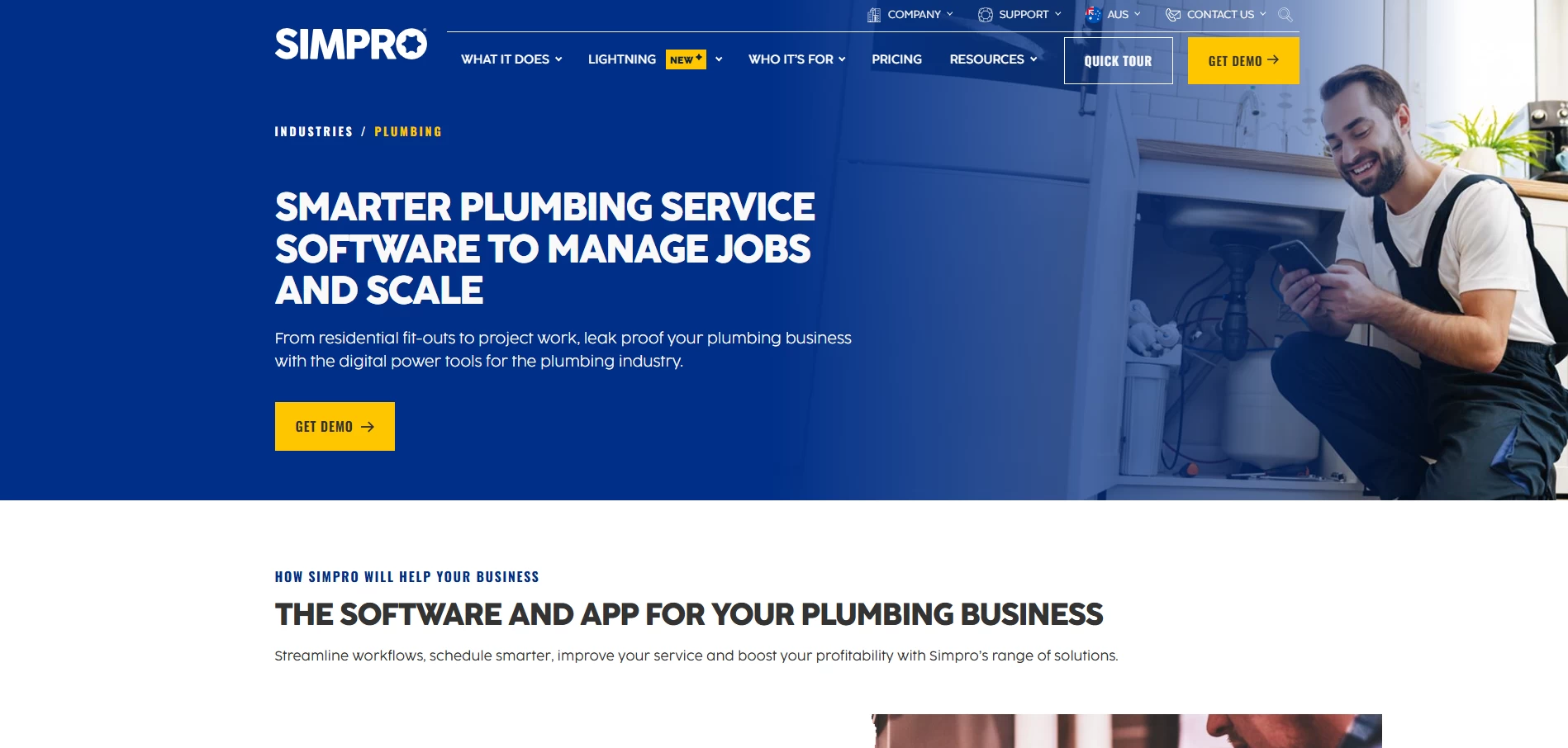
Simpro supports companies that manage recurring service calls alongside longer installation and construction projects.
Its tools cover scheduling, quoting, invoicing, takeoffs, job management, digital forms, fleet visibility, preventive maintenance, and integrations. This makes it useful when technicians, warehouse teams, project managers, and finance staff need access to connected information.
Simpro provides customized monthly or annual pricing. It also charges an initial fee for onboarding, training, data migration, and configuration.
Best for: Mid-sized and larger contractors managing complex job types
Keep in mind: Budget for implementation as well as the subscription.
10. FastPIPE: Best plumbing estimating software for detailed takeoffs
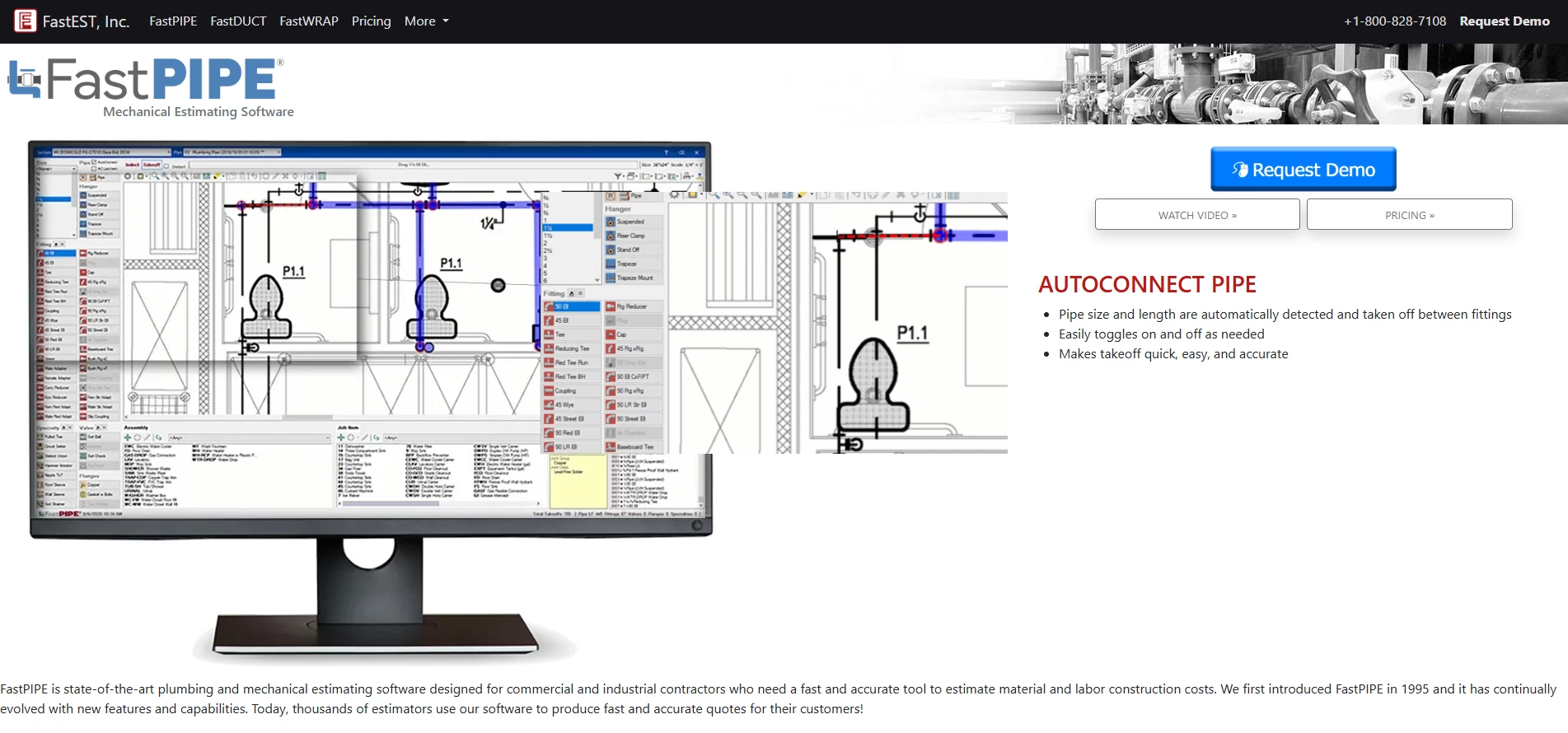
FastPIPE differs from the other products in this list. It is specialist plumbing estimating software for commercial and industrial contractors, not a full field service platform.
It includes on-screen takeoff, job-specific specifications, industry labor rates, supplier-based pricing, assemblies, reports, and Excel exports. Its catalog contains more than 150,000 piping, fitting, valve, flange, and hanger items, with MCAA and PHCC labor data.
The Auto Connect feature can identify valid connections between fittings and calculate the pipe between them. FastEST offers a 60-day money-back guarantee but does not publish a current price on the product page.
Best for: Pipe-heavy commercial and industrial estimates
Keep in mind: You may still need separate CRM, scheduling, dispatch, and plumbing invoicing software.
What features should plumbing contractor software include?
Good plumbing contractor software should solve the problems that happen between the first customer call and the final payment.
Look for:
- A visual calendar and real-time dispatch board
- Mobile job information, forms, photos, and customer history
- Reusable estimates, pricebooks, and proposal options
- Deposits, invoices, card payments, and payment reminders
- QuickBooks or ERP integration
- Job costing for labor, materials, overhead, and profit
- Reporting for revenue, conversion rates, and technician performance
- Customer texts for confirmations and arrival updates
- Role-based access and dependable technical support
Commercial contractors may also need progress billing, purchase orders, project phases, inventory controls, equipment records, service agreements, and detailed labor tracking.
How should you choose plumbing scheduling and dispatch software?
- Map your current process. Write down what happens from the first phone call to the final payment. Find repeated entry, missed handoffs, and tasks that depend on memory.
- Choose for your main type of work. Residential service, new construction, commercial maintenance, and industrial estimating require different capabilities.
- Calculate the complete cost. Include users, payment fees, communication tools, onboarding, data migration, training, integrations, and renewal increases.
- Test an actual plumbing job. Create a customer, prepare an estimate, change the schedule, send field notes, issue an invoice, and process a payment.
- Consider your employees. The best plumbing software is the one dispatchers and technicians will use correctly every day.
How can plumbing software support marketing and business growth?
Software organizes leads after they arrive, but it does not create local demand by itself. Your service pages, booking forms, Google visibility, advertising, and follow-up process should connect to the same customer journey.
Plumbing companies can strengthen that front end through Just Digital Gurus’plumber SEO services,local SEO services,lead generation services, and conversion-focusedweb design and development.
The goal is straightforward: attract qualified leads, send them into an organized operating system, and measure which marketing channels produce booked and paid plumbing jobs.
Frequently asked questions
What is plumbing software?
Plumbing software is a business system that helps contractors manage customers, estimates, scheduling, dispatching, field work, invoices, payments, and reports. Some platforms also provide inventory, job costing, payroll, service agreements, marketing, or project management.
What is the best plumbing software for small contractors?
Housecall Pro and Jobber are strong options for small contractors because they cover the main service workflow without requiring a large-company setup. Housecall Pro starts at $59 per month. Jobber starts at $29 per month when billed annually for one user.
How much does plumbing contractor software cost?
Basic tools can start below $60 per month for one user. Larger systems often use custom per-technician or seat-based pricing. The total cost may also include setup, payment processing, telephone tools, additional users, integrations, training, and premium support.
Does plumbing software include estimating and invoicing?
Most field service platforms include estimates and invoices, but their depth varies. Service platforms usually support fast residential quotes and customer payments. Specialist plumbing estimating software such as FastPIPE provides detailed pipe, fitting, material, and labor takeoffs for larger commercial and industrial bids.
What is the difference between plumbing scheduling software and plumbing dispatch software?
Plumbing scheduling software places jobs on a calendar based on dates, appointment windows, and technician availability.
Plumbing dispatch software helps office staff assign and adjust work in real time using technician location, skills, job status, delays, and emergency calls. Most modern platforms combine both functions.
Which plumbing software should you choose?
Start with your business model, not the longest feature list.
Choose Housecall Pro or Jobber when you need a straightforward residential workflow. Compare ServiceTitan, FieldEdge, Workiz, FieldPulse, or Service Fusion when service operations are becoming difficult to control. Consider BuildOps or Simpro for commercial and project-heavy work. Choose FastPIPE when detailed estimating is your main challenge.
Before signing a contract, run a real job through the complete system and calculate the full first-year cost. The right plumbing software should reduce office work, improve communication with field technicians, and help completed jobs turn into accurate invoices and faster payments.

Your comment will appear after approval.